
On this page
Shopify Flow supports workflow automation on Basic, Grow, Advanced, and Plus. Sidekick can help create and update workflows, while scheduled triggers, Get data actions, and loops support some recurring data tasks. Available fields and actions still depend on the workflow and plan.
The 20 prompts below are design ideas. Check Shopify’s current Flow documentation, available triggers and actions, plan requirements, and any third-party connectors before implementing them. For broader context see 10 Advanced Shopify Flow Workflow Examples (2026).
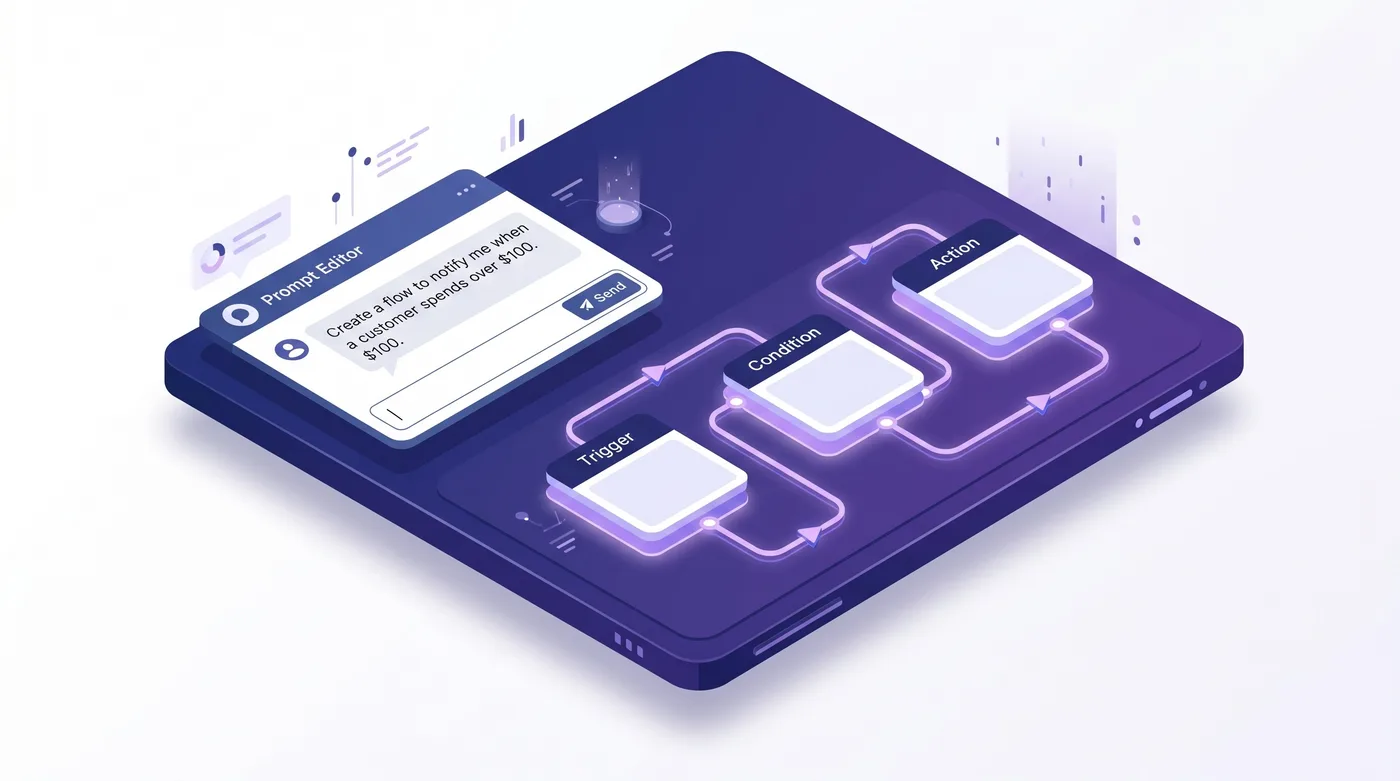
How to Create and Test a Workflow with Sidekick
Open Shopify Flow and use Sidekick’s workflow creation option if it is available in your admin. Sidekick generates a draft; inspect the trigger, conditions, actions, data fields, and permissions before saving or activating.
Use Shopify’s Sidekick workflow guidance and version-history instructions, then test a development or low-risk workflow to verify expected and unexpected cases. Version history records edits and activations; restoring an earlier version opens a draft that you can review before activation.
A. Order Operations Prompts
Five example order-side patterns. The time saved, if any, depends on your workflow and should be measured in your store.
Prompt 1: Multi-condition high-value priority routing
Prompt 1: When a new order is created with total of $500 or more, customer NOT tagged “wholesale”, and shipping country in [US, CA]: tag “priority-pick” and “vip-review”, assign to “Warehouse-East”, and Slack #ops-priority with order number, customer name, total, and admin link.
Implementation check: Confirm the order fields and conditions are available. Tags may be supported by Flow, but fulfillment-location assignment and Slack delivery can require a compatible app or connector; verify both before using this prompt.
Prompt 2: High-risk order auto-hold with fraud team alert
Prompt 2: When the Order risk analyzed trigger fires and risk level is “high”: tag order “fraud-review-hold”; hold fulfillment order; update order note listing the risk factors; Send HTTP request to your fraud team’s Slack webhook with order number, total, risk score, and customer email.
Implementation check: Confirm the risk trigger and fulfillment-hold action are available for your store. A Slack webhook requires an available HTTP action and an eligible plan; HTTP requests are limited to Grow, Advanced, and Plus. Test what happens when risk data is missing.
Prompt 3: Rush order expedited handling with carrier check
Prompt 3: When a new order is created and shipping method title contains “Express”, “Overnight”, “Next Day”, or “2-Day”: tag “rush-order”; add private note “Ship today by 3 PM cutoff”; Slack #ops-rush with order number and method; auto-select the fastest carrier to destination using stored SLA data.
Implementation check: Flow conditions can match the shipping method only if the needed field is available. Carrier selection generally requires a compatible fulfillment app or integration; do not assume Flow can select a carrier natively. Verify that warehouse staff receive and use the note.
Prompt 4: International order customs preparation
Prompt 4: When a new order is created and shipping country code is not “US”: tag “international” + country-specific tag (e.g., “ship-CA”). Add private note listing HS codes, commercial invoice, declared value. If total is above $2,500: tag “compliance-review-required” and email the compliance team.
Implementation check: Confirm that order country, total, tagging, notes, and email actions are available. Flow does not generate or validate customs documents; the note must use your own product and export data.
Prompt 5: Address-validation hold
Prompt 5: When a new order is created, fail validation if any: country NOT in [US, CA, GB, AU, DE, FR, IT, ES], postal code does not match country pattern, OR address contains “PO Box” with “freight” shipping. On failure: tag “address-review-hold”; pause fulfillment auto-start; email support manager with order and reason.
Implementation check: A postal-code validation service or custom app may be needed for country-specific rules. Verify address fields, hold actions, and notification steps; a prompt alone cannot validate every postal format.
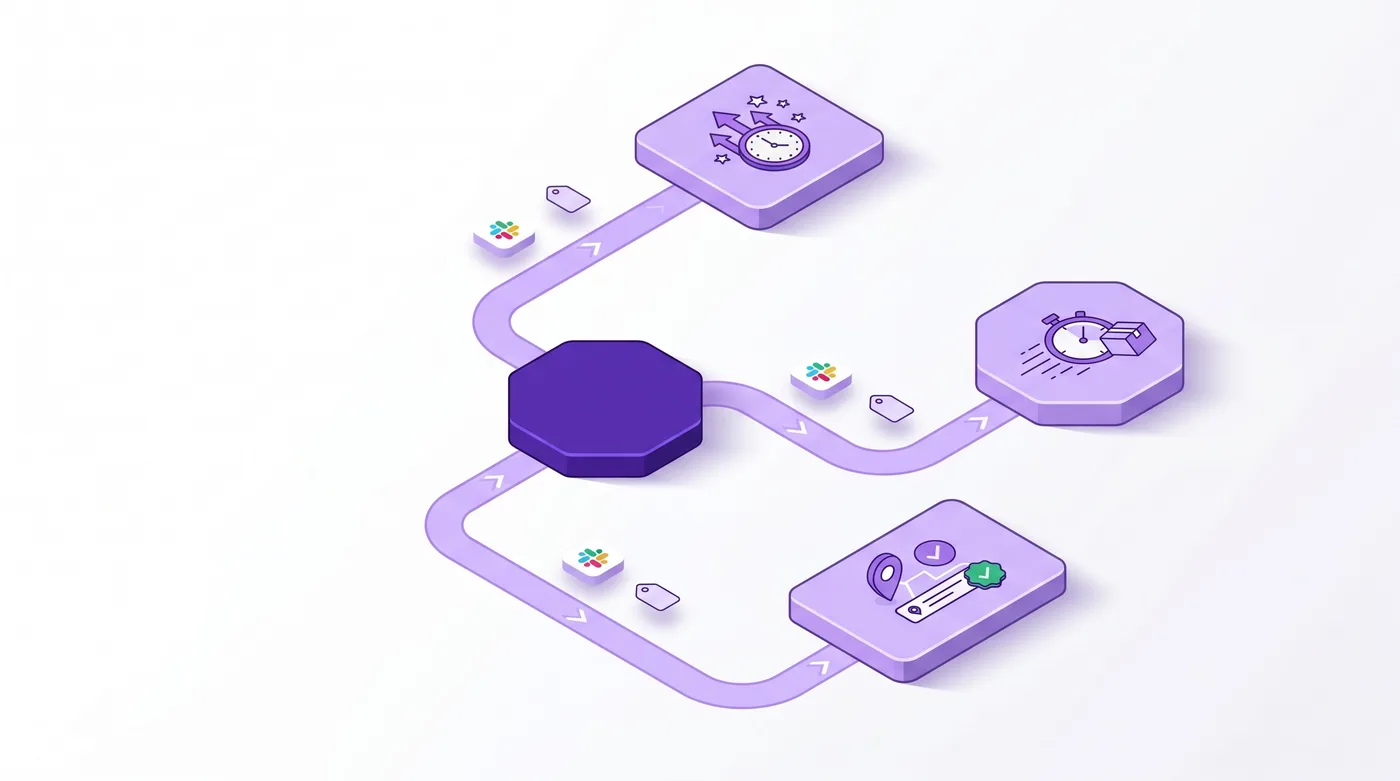
B. B2B & Wholesale Prompts
Flow is available on Basic, Grow, Advanced, and Plus; B2B data and specific Flow actions vary by store and plan. Verify each prompt’s fields and actions before building.
Prompt 6: Auto-route B2B by company tier with sales rep assignment
Prompt 6: When a new order is created with a B2B company associated: use Get Company data to read metafield tier.level. If “enterprise”: tag “b2b-enterprise” and “priority-fulfillment”, assign to “Warehouse-East-Priority”, notify sales rep via email + Slack DM. If “mid-market”: tag “b2b-mid”, assign to standard fulfillment.
Implementation check: Flow includes a Get company data action, but verify the data and metafield fields available in your store. Assignment to a location or sales-rep messaging may require a compatible app or connector.
Prompt 7: Net-30 AR aging scheduled alert
Prompt 7: Daily at 9:00 AM, use a scheduled trigger and Get order data to find orders with pending payment and Net 30 terms, if those fields and filters are available. For each result, check whether the order is at least 25 days old; notify #finance-ar with the order number, total, and company. Escalate orders at 28 days to the finance manager.
Implementation check: Flow’s Get data actions retrieve lists of store records, up to 100 at a time. Confirm the available order filters, fields, schedule, and notification actions in your store; larger result sets need a batching or alternate design.
Prompt 8: Auto-flag B2B draft orders for sales rep review
Prompt 8: When a draft order is created with line items above $10,000 AND customer is in a B2B company: tag the draft order “needs-rep-review”; update draft order note “Awaiting sales rep review under the current company pricing policy”; use Get Company data to find the assigned sales rep; send internal email to the rep with the draft order link and total.
Implementation check: Confirm that the draft-order trigger and required line-item data are available. Updating a draft order or emailing a rep may require an app or API action; the prompt does not make those actions native.
Prompt 9: B2B order approval threshold routing
Prompt 9: When a new B2B order is created, compare total to company metafield policies.approval_threshold. If exceeded: do NOT auto-fulfill; tag “awaiting-buyer-approval”; add note with threshold value; email the authorized buyer (from policies.primary_approver_email metafield) requesting approval.
Implementation check: Verify that Flow can read the specified company metafields and compare the order total. Contacting an authorized buyer and blocking fulfillment may need a compatible action or app.
Prompt 10: B2B order rep notification on creation
Prompt 10: When a new order is created with an associated B2B company: use Get Company data to look up the assigned sales rep email; send internal email to the rep with order number, total, customer name, and a link to the order in admin; tag order “rep-notified”.
Implementation check: Flow includes a Get company data action; verify the fields available in your store. Rep notifications require an email or connector action, and this order-created trigger does not by itself monitor later changes.
C. Inventory & Fulfillment Prompts
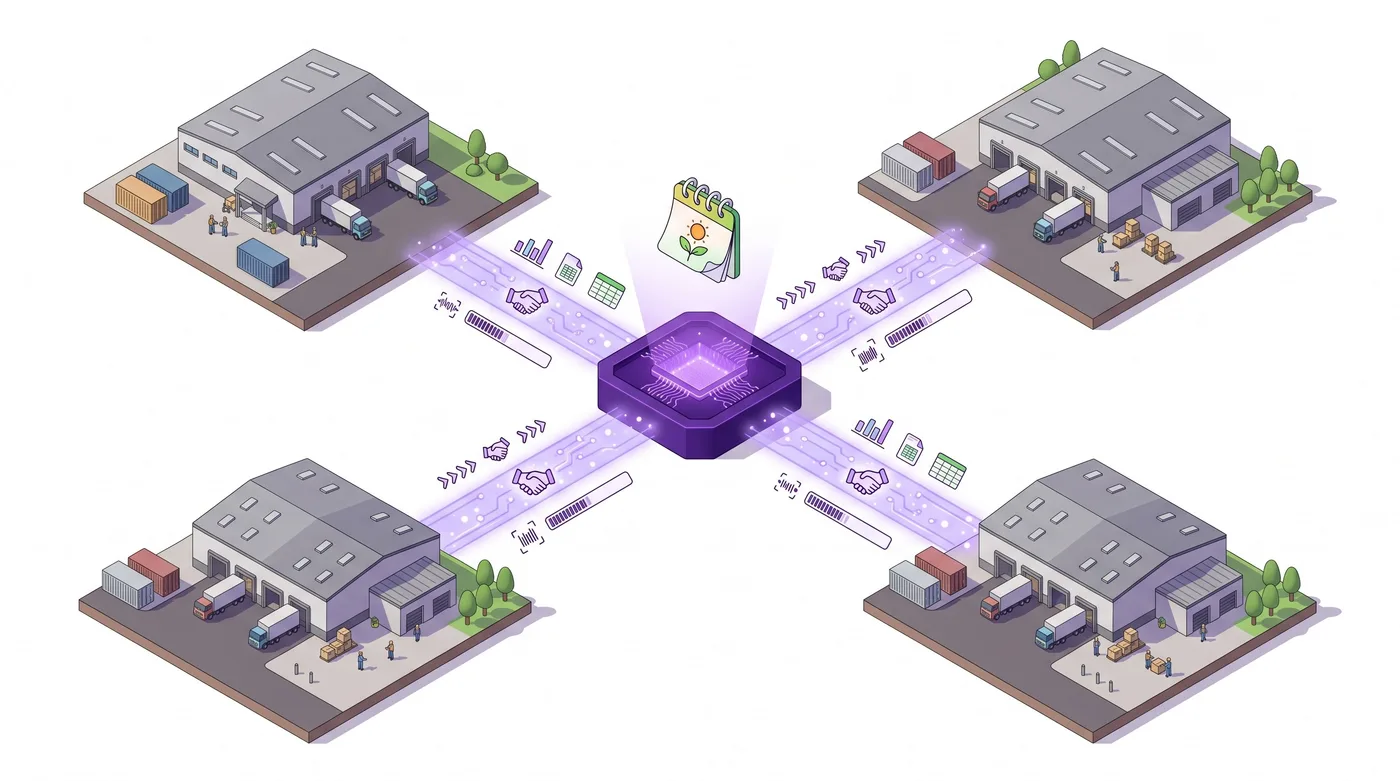
Five example patterns for inventory and fulfillment across multiple locations. Verify the required transfer triggers, actions, and data fields in your Flow setup.
Prompt 11: Low-stock auto-transfer between locations
Prompt 11: Daily at 6:00 AM, query inventory at “Warehouse-East” where qty is below 10. For each low-stock SKU: if “Warehouse-Central” has 50 or more units, create DRAFT transfer of 30 units Central → East, tag “auto-replenish”, Slack the Central manager. If Central is out, email purchasing team.
Implementation check: Confirm inventory retrieval and transfer-creation actions are available in your Flow setup. The warehouse locations and transfer approval process must match your own configuration.
Prompt 12: Inventory transfer ready-to-ship notification
Prompt 12: When an inventory transfer is marked “ready to ship”: look up the destination’s ops contact email from metafield ops.contact_email. Email that contact with transfer ID, total units, expected arrival, and transfer link. Also Slack #warehouse-coordination with same.
Implementation check: Verify the inventory-transfer trigger and contact data fields in your Flow admin. Email or Slack delivery depends on configured actions or connectors.
Prompt 13: Seasonal inventory threshold multiplier
Prompt 13: Daily at 5:00 AM, if today is between Oct 1 and Dec 31, apply 2.5x multiplier to inventory alert thresholds. For each product with metafield “base_threshold”: adjusted = base × multiplier. If current inventory < adjusted at any location, Slack #inventory-peak with product, location, current qty, and adjusted threshold.
Implementation check: This requires a scheduled workflow, product data retrieval, and a supported way to compare or calculate values. Flow may not perform arbitrary date math or inventory queries as written; verify the actions available and use an app or custom integration where needed.
Prompt 14: Backorder customer notification with lead time
Prompt 14: When an order is created and any line item has 0 available inventory at its fulfillment location: tag “backorder” and “needs-lead-time-notice”; email customer using template “backorder-notification” with affected SKU, order number, lead time of 7 to 10 business days; add private warehouse note listing all backordered SKUs.
Implementation check: Verify how your store exposes available inventory, fulfillment location, and delivery estimate. Customer email may require Shopify Email or a connected app; use a lead time your supplier or warehouse can support.
Prompt 15: Restock auto-publish with notification trigger
Prompt 15: When inventory updates from 0 to above 0: publish product to online store, remove “out-of-stock” tag, trigger back-in-stock notification flow to signed-up customers for that SKU. Tag product “restocked” and write metafield “restocked_at” with current timestamp.
Implementation check: Confirm the inventory trigger, product publication action, and back-in-stock notification integration are available. Test channel publication and customer eligibility before activation.
D. Customer Experience Prompts
Five prompts closing the post-purchase gap that drives repeat purchases.
Prompt 16: Post-cancellation retention email for high-LTV customers
Prompt 16: When an Order canceled trigger fires AND the customer’s lifetime spend is $1,000 or more: tag the customer “post-cancel-retention”; send an email using template “retention-followup” with a 15% discount code; send internal email to the CS manager with order number, customer LTV, and cancellation reason.
Implementation check: Verify the order-canceled trigger and customer fields available in Flow. A lifetime-spend threshold, discount issuance, and customer email may require additional data or a compatible app.
Prompt 17: Post-delivery review request automation
Prompt 17: When fulfillment status = “delivered”: wait 4 days, then email customer with subject “How did the [Product Name] work out?” using template “post-delivery-review-request” populated with product and first name. Add to segment “post-delivery-review-pending”. If total is above $300, include $20 store credit incentive.
Implementation check: Confirm that your fulfillment or delivery data supplies a reliable delivered event and that the wait and email actions are available. Decide whether an incentive fits your margin and review policy.
Prompt 18: Win-back campaign trigger (90-day inactive)
Prompt 18: Daily at 9:00 AM, calculate days since each customer’s last order. For 90-day inactive without “win-back-sent” tag: add to “win-back-90” segment, apply tag, trigger win-back email. For 180-day inactive without “win-back-180” tag: send 20% discount email, apply tag. For 365+ day inactive: suppress from marketing.
Implementation check: A scheduled inactivity workflow needs an available customer-data query, date fields, and a supported way to calculate the interval. Confirm customer eligibility and email actions, and test with a small set before activation.
Prompt 19: Velocity fraud detection
Prompt 19: When a new order is created and the same email has placed 3+ orders in the last 1 hour: tag all of that email’s orders from the last hour “velocity-fraud-flag”, hold fulfillment on each, urgent Slack to #fraud-team with email, IP, total flagged value, and address comparison across orders.
Implementation check: Counting multiple orders by email within a rolling hour and comparing IP or address fields may require a fraud app or external data store; do not assume one Flow trigger can perform this cross-order query. Test false positives and follow your fraud policy.
Prompt 20: Stuck-in-fulfillment escalation
Prompt 20: Daily at 8:00 AM, query orders where fulfillment_status = “in-progress” for more than 5 business days AND NOT tagged “backorder”, “custom-build”, or “international”. For each: tag “fulfillment-stuck-review”, Slack ops manager with order number, days stuck, location, customer. Over 8 days: email ops lead.
Implementation check: Confirm Flow can retrieve fulfillment age and apply the needed date logic. Excluding weekends and holidays may require a custom calculation or connector; test the calendar rules.
How to Verify AI-Generated Flow Workflows
A generated workflow can still omit or misconfigure a condition. Check three things before activation:
- Read every condition explicitly. Check how the visual editor represents each requirement.
- Run a test against a recent real order. Pick one that should trigger, one that should not.
- Activate in a low-stakes window. Business hours, not Friday 5 PM. Monitor first 5-10 runs.
Use version history to review previous workflow versions. Restore opens a draft for review; it does not immediately roll back a live workflow.

Common Failure Modes
Three issues to check in a generated workflow:
- Hardcoded emails or channel names. Use IDs and role aliases so workflows do not break when people leave.
- Metafield namespaces and keys. Confirm each field exists and is available to the selected trigger or action; inspect the run if the condition does not match.
- Scheduled-trigger date math without business-day awareness. “5 days ago” fires Monday false positives. Use business-day math.
Where Flow Stops (And Where Revize Comes In)
Flow automates server-side workflows; it does not provide a customer-facing order-edit portal. Revize gives customers a self-service path for eligible address, quantity, variant, and cancellation changes before fulfillment, during the merchant-configured edit window. Product additions, cross-product switching, discount application, and store-credit refunds are Pro features. Staff-side editing is in development. The portal requires the Revize app block or Edit Order email link; do not infer special support for orders on payment terms.
The Bottom Line
Flow and Sidekick can help draft automation, but these prompts are examples, not guaranteed recipes, and no universal savings figure is verified. Choose a low-risk workflow with supported triggers and actions, test matching and non-matching cases, then measure the result against your store’s baseline.
Frequently Asked Questions
Do I need Shopify Plus to use Flow and Sidekick?
Shopify Flow is available on Basic, Grow, Advanced, and Plus. Sidekick can draft workflows; check the current Flow documentation and your admin for availability. Send HTTP Request is limited to Grow, Advanced, and Plus.
How accurate are AI-generated Flow workflows?
There is no published accuracy rate that guarantees a generated workflow will meet your requirements. Inspect the trigger, conditions, fields, and actions, then test both matching and non-matching records.
Can Flow run scheduled data checks?
Yes. Flow supports scheduled triggers, Get data actions, and loops for recurring tasks. Get data actions return lists of up to 100 records; confirm the available filters and fields for your workflow in the current Flow documentation.
Can Sidekick draft workflows that reference custom metafields?
A draft may include metafields when the data is available to the selected trigger or action. Verify the namespace, key, and returned value in the workflow editor and test with a record that has the field.
How do I pair Sidekick with Flow?
Ask Sidekick to create or update a workflow in Flow, then review its trigger, conditions, actions, and fields. Test the workflow before turning it on; Flow runs it when its trigger occurs.
How much can merchants save with Flow automation?
There is no verified universal savings figure. Measure the time, error rate, or support volume for a specific process before and after deploying a workflow.
What happens if a generated workflow has a bug?
Deactivate it if needed, inspect the run and version history, then restore a prior version as a draft. Review and test that draft before activating it; restoring is not an immediate live rollback.
What is the difference between Flow and Sidekick?
Flow runs workflows made of triggers, conditions, and actions. Sidekick can help create or update a workflow from a description. Review and test Sidekick’s proposed changes before turning the workflow on.
Are there limits on Flow workflows?
Shopify Flow is a free app on Basic, Grow, Advanced, and Plus, with usage limits that vary by plan. Send HTTP Request is available on Grow, Advanced, and Plus; check the current Flow documentation for action requirements.
What is the best Flow workflow to start with as a Plus operator?
Start with a low-risk workflow that uses actions available in your store, such as tagging an order and sending an internal notification. Prompt 1 is an option only if its fields and connectors are supported; test before expanding it.
Related Reading
Shopify Flow for Post-Purchase Customer Care · Shopify Order Editing Statistics (2026) · How to Let Customers Edit Their Own Orders on Shopify (2026)