
On this page
A post-purchase upsell launch needs one offer you can explain, one customer journey you have tested, and one decision you can defend with your own numbers.
That is the purpose of The Nine-Figure Upsell Playbook. Its 16 pages turn “Choose / Build / Prove / Decide” into six missions. The subtitle is “Practical lessons from our work with nine-figure brands.” The worked configurations are examples to adapt, not settings or results borrowed from those brands.
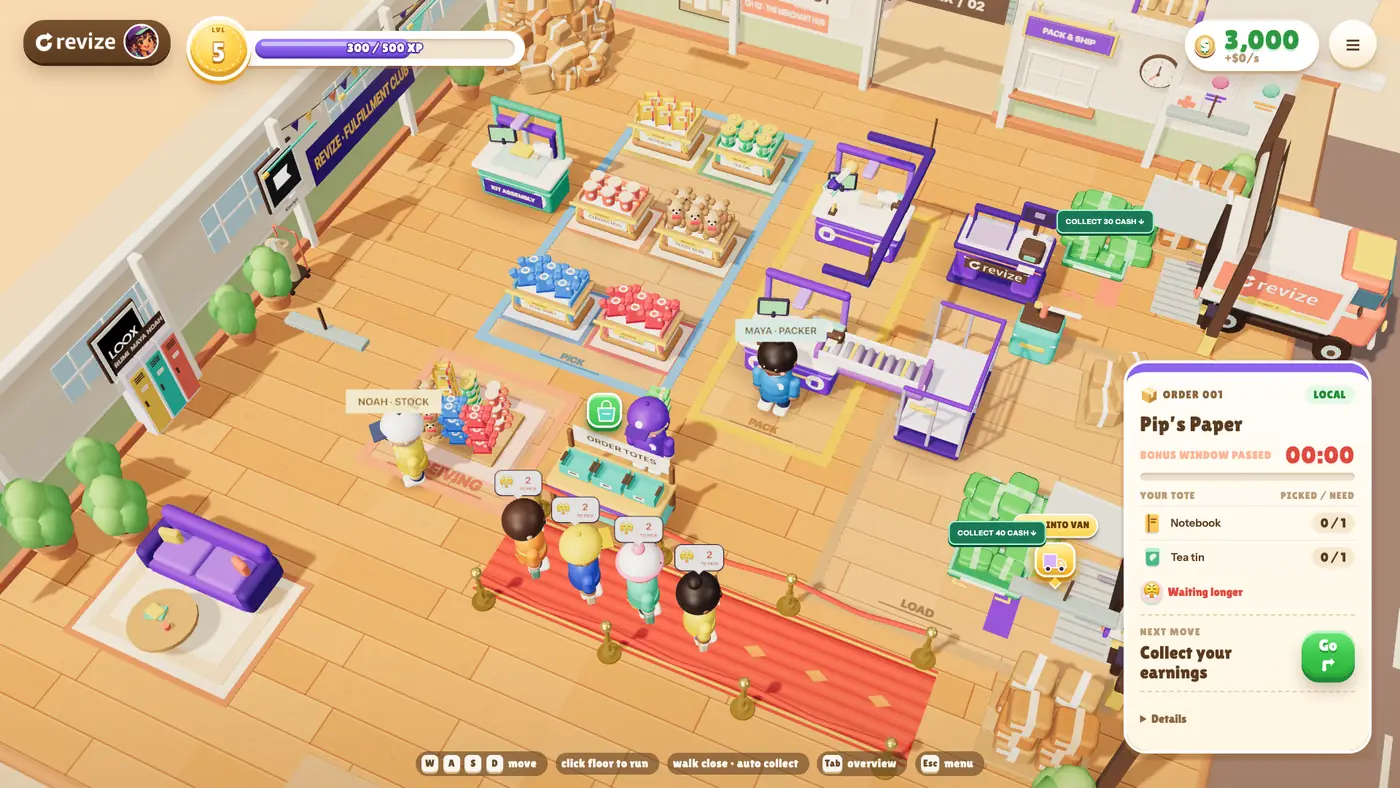
To get the free playbook, enter Warehouse Rush with your email and store URL, ship your first parcel, then open The Nine-Figure Upsell Playbook in the game’s rewards. Here is the working summary, including the checks and decisions you can use without downloading it.
Mission 1: Choose a useful pair and define success
Choose one companion with a specific reason to belong in the order, then define what will count as a paid, retained result.
The store owner and merchandising lead own this mission, which covers pages 2–8. Write one sentence before opening an offer builder: when someone buys this main product and variant, offer this companion because it solves this particular need.
For an illustrative camera store, that could mean a fitted case for Camera A. Check that the case fits, is available, and is not already included with the camera. A discount cannot fix a case that does not fit.
The playbook gives five starting points. Choose by the product relationship, rather than assuming every order in a category needs the same offer. See our Shopify post-purchase upsell examples for pairs across apparel, beauty, coffee, gifts and home.
| Starting point | Example from the playbook | Check before using it |
|---|---|---|
| Complete the setup | Camera A with its fitted case | Compatibility and included components |
| Finish the collection | A Sand linen duvet cover with matching pillowcases | Every eligible finish and displayed size |
| Help with the next use | Suede shoes with a suitable brush, or Roller A with Refill A | Material, model, shelf life, and existing quantity |
| Revisit a considered item | An available product from valid browsing history | Tracking, permissions, and the actual no-history fallback |
| Use a relevant fallback | A coordinated greeting card for qualifying gift orders | Relevance to the remaining audience and no duplicate card |
For a fitted companion, verify on a test order whether your trigger distinguishes purchase variants and which companion variants the customer can select. The playbook flags product-level selection as a launch constraint. Its camera example uses products with a single compatible variant.
Test another variant of the qualifying product. Every displayed companion variant must fit every eligible purchase variant. If that promise fails, choose another companion or do not launch that configuration. Do not assume a product name proves compatibility.
Next, agree what each stage means. An eligible order meets the conditions. A shown offer was actually seen. A chosen item has the intended variant and quantity. A paid addition has confirmed additional payment and the correct final order line. A retained addition remains on the order without removal or refund at the review date. Later refunds are still possible.
If you cannot explain the fit in one sentence, choose a different product or launch without an offer.

Mission 2: Build a draft and place it
Save a clearly named draft, configure its audience and product, and verify its placement on the pages you intend to use.
The Revize administrator owns page 9. Revize upsell offers are a Pro-plan capability. Keep the offer in Draft while preparing it, following the Revize upsell setup guide.
Work through the configuration in this order:
- Name the offer after the relationship, such as Camera A with its fitted case.
- Add the qualifying conditions and check whether each group requires ALL or ANY matches.
- Start with Manual picks and the verified companion. Hide products already in the order unless you are deliberately testing a useful spare.
- Set the price, headline, choice count, and intended pages. The playbook recommends starting without an additional discount.
- Save the supported app block on each intended page, check the mobile layout, then activate the offer for controlled tests.
Shopify’s checkout and accounts editor is under Settings > Checkout > Configurations > Edit. It uses a simulated environment with actions such as Pay Now deactivated. Preview proves layout; a controlled order must prove display and payment.
The playbook covers Thank you and Order status offers. Our Shopify upsell placement guide explains how those differ from the separate post-purchase page before Thank you.
Mission 3: Make the intended offer win
Put the most relevant offer ahead of broader matches, then test orders that qualify for more than one offer.
The Revize administrator owns page 10. Revize shows the first matching offer, so the order of your offers matters. Put the camera-and-case offer ahead of a broad audience offer. A relevant fallback belongs after the specific matches.
Use the playbook’s overlap test:
- Place an order containing Camera A that also meets a broader audience condition.
- Record which offer appears on each intended page.
- Place an order without Camera A and check the next intended match.
- Test a qualifying gift order with no more specific match, then an unrelated order that should not receive the gift offer.
Treat the playbook’s sample priority numbers as illustrative. The useful result is a recorded order number beside the expected and actual offer.
If the wrong offer appears, inspect status, schedule, page compatibility, and overlapping conditions before replacing the companion. Keep Thank you and Order status results separate. A pass on one page does not prove the other.
Mission 4: Prove payment and the final order
Approve launch only when the selected product, final order line, and confirmed additional payment agree.
The QA owner and finance owner share pages 11–12. QA proves the customer journey. Finance reconciles the additional balance. Support needs to know the offer name and how to handle an unfinished addition.
For Revize Pro offers, the addition joins the existing Shopify order and Shopify handles the additional payment. Write customer copy that matches the review and payment steps you observe. Our guide to adding items after checkout explains that flow.
The playbook’s acceptance matrix asks you to record an actual order and result for every applicable check:
- An eligible order sees the intended offer; an excluded order does not.
- Another purchase variant still receives compatible choices. An already-ordered companion is hidden unless a repeat is intentional.
- Valid browsing history and no history produce the expected item or fallback, with truthful copy. Mark this check non-applicable if you are using Manual picks.
- An unavailable variant cannot be added, and an order matching two offers sees the intended winner.
- On a phone, the product, variant, price, and next step are usable.
- Completing payment produces the correct final line and confirmed paid balance. Abandoning payment is recorded as unfinished.
- Revisiting or retrying once produces no unintended duplicate, and the final state is reconciled.
Check shipping, tax, and discount effects against the final total. Shopify’s order-editing considerations also tell merchants to verify that their fulfillment service supports edits. A correct order screen alone does not prove the warehouse received the addition. If picking has begun, use the 3PL stop-and-reconcile checklist.
Pause if a critical row fails. When payment is uncertain, finance reconciles the balance before another attempt. Repeatedly adding the item is not a way to resolve an unclear payment state.
Mission 5: Diagnose the first result
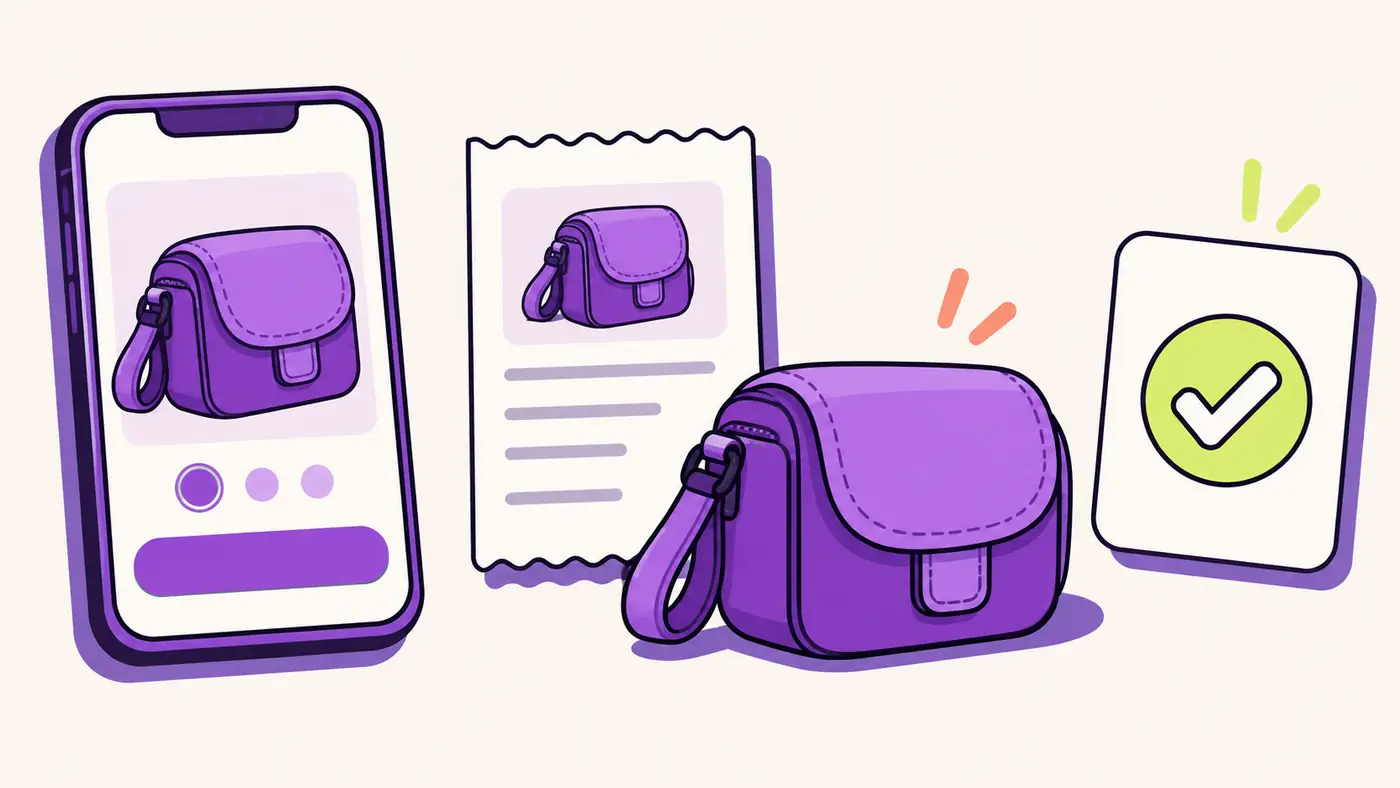
Find the first failing stage before changing the product, message, or incentive.
The offer owner owns page 13. Start with what happened, then assign the next action to the person who can verify it.
With no views, the administrator checks status, schedule, eligible traffic, placement, and priority overlap. Place a controlled eligible order and record what appears. A larger discount cannot repair a missing block.
With views but no selections, merchandising checks availability, mobile layout, useful fit, copy, and price. Verify the journey, then change one product or message.
With accepted additions but unconfirmed payment, finance checks the payment step, abandoned balance, and final line. The original purchase being paid is not proof that the extra item is paid.
With payment followed by removal or refund, support and finance check the reason, timing, fulfillment, and retained count. With retained additions but weak contribution, finance checks discounts, product cost, extra fulfillment, fees, and refund allowance.
Record the failing stage, the order or screenshot that proves it, the repair owner, and the retest date. Pause immediately for a wrong variant, inaccurate price or payment, unintended duplicate, or an unreconciled paid result. Resume after the relevant acceptance check passes.
Mission 6: Read your scorecard and decide
Keep, change, or pause the offer using your own contribution threshold and paid additions still retained at review.
The offer owner and finance owner complete page 14 together. The store owner approves the first-offer brief on page 15. Set the minimum acceptable contribution and review date before looking at results.
Use one consistent period. Record unique orders shown, accepting orders, confirmed paid additions, later removals or refunds, and additions still retained. Then record product cost, extra fulfillment, fees, and refund allowance.
The playbook’s arithmetic is illustrative, not a benchmark. A $24 case, after $9 product cost, $3 extra fulfillment, $1 fees, and $1 refund allowance, leaves $10 contribution per retained addition.
For another illustration, suppose 20 retained additions each contribute $10 across 2,000 unique orders shown. Total contribution is $200. Divide by 2,000 and multiply by 1,000: $100 contribution per 1,000 unique orders shown. Compare that with the minimum you set for your own store.
Use unique orders rather than repeat page visits as the denominator. Recheck later refunds. The playbook suggests a two-week review rhythm as a starting cadence, with longer for low traffic. A before-and-after comparison can have other causes and does not prove incremental lift.
Keep an offer when critical tests pass and recorded contribution meets your minimum. Otherwise change one variable and review again, or pause and name the repair owner.
Finish the brief with the pair, compatibility check, reason, price, incentive, conditions, exclusions, priority, source, pages, copy, payment proof, owner, threshold, and review date. That is the handoff your team can act on.
What the full 16-page playbook adds
The full guide adds worked configurations and fill-in templates for the acceptance matrix, scorecard, and first-offer brief.
Its recipes include customer-copy examples, catalog prerequisites, proof checks, and what to inspect when a test fails. You can record the actual order numbers, owners, and decisions beside the work.
Read its Evidence page too, updated October 22, 2026. It describes inherited aggregate observations whose underlying store records are not public and were not freshly re-audited for that edition. Historical configurations were not verified. Those observations cannot establish conversion benchmarks, profit, incremental lift, a recipe ranking, or the effect of a discount. Later removals and refunds remain possible.
Enter Warehouse Rush with your email and store URL, ship your first parcel, then open The Nine-Figure Upsell Playbook in the game’s rewards. The free, English-only game runs in your browser and lets you pick goods, pack parcels, and dispatch orders. Use the guide’s templates to plan your real offer and record your own results.
What to do this week
Complete one first-offer brief and its critical acceptance checks before leaving an offer running.
- Choose the owner and one useful pair. Verify compatibility, stock, included components, and existing quantities.
- Save a draft without an extra discount. Record its conditions, source, intended pages, and place among overlapping offers.
- Run eligible, excluded, duplicate, variant, mobile, paid, abandoned-payment, and retry checks. Record the actual orders and results.
- Give finance the payment proof and support the unfinished-addition procedure. Resolve every critical failure before launch approval.
- Set your contribution minimum and review date. At review, keep, change one thing, or pause using retained additions and actual costs.
Frequently Asked Questions
Use the playbook to launch one tested offer and judge its contribution, with free access through Warehouse Rush.
Is there a free Shopify post-purchase upsell playbook?
Yes, The Nine-Figure Upsell Playbook is a free, 16-page guide that unlocks after your first shipped parcel in Warehouse Rush. It has six missions, worked offer examples, an acceptance matrix, a scorecard, and a first-offer brief. This article summarises the sequence so you can use it before getting the full guide.
What should be on my post-purchase upsell checklist?
Include product fit, eligibility, duplicate handling, placement, priority, mobile use, payment, final order accuracy, and a review decision. Record controlled order numbers beside the checks. Include an excluded order and abandoned payment, so the checklist proves failure paths as well as the intended journey. Assign QA and finance owners before approval.
Which post-purchase upsell should I launch first?
Start with one companion whose usefulness you can explain and whose compatibility you can verify. The playbook’s camera-and-case example uses products with one compatible variant each. Check included components and existing order contents. If the displayed choices cannot keep the fit promise, choose a different companion or launch without that offer.
Does accepting an upsell mean the customer paid?
Acceptance alone does not prove that the additional payment completed. Record the final order line and confirmed additional payment together. Test abandonment separately and keep unfinished additions out of the paid count. If the balance is unclear, pause and have finance reconcile it before anyone retries the addition.
How do I measure whether my upsell is worth keeping?
Compare contribution from paid additions still retained at review with your own minimum contribution per 1,000 unique orders shown. Subtract the added product cost, extra fulfillment, fees, and refund allowance from the price after discounts. Recheck later refunds. A before-and-after increase alone does not establish that the offer caused incremental profit.
Can I use the free playbook without paying for Revize Pro?
The playbook is free through Warehouse Rush, while implementing its Revize upsell offers requires the Pro plan. Choosing a pair, assigning owners, writing acceptance checks, and setting a contribution threshold are useful planning work before you configure an offer. Check product availability and prove the actual journey in your store before launch.