
Shopify UPS Return Labels: Free for 6 Months, No App Required (2026)

Shopify UPS Return Labels: Free for 6 Months, No App Required (2026)

Shopify UPS Return Labels: Free for 6 Months, No App Required (2026)

Shopify UPS Return Labels: Free for 6 Months, No App Required (2026) — Revize blog article header

Quick answer: Shopify merchants can now generate UPS return labels for any fulfilled order straight from the admin, using discounted Shopify rates or their own UPS account, with no charge until the carrier scans the label. It's a real fix for post-fulfillment returns, but the 24.3% of edited orders that are cancellations (Revize, 2026) still need a pre-fulfillment self-serve fix.

It's 4 p.m. on a Tuesday and a customer emails your support inbox: the hoodie arrived in the wrong size, and they want to send it back. Your CX agent opens the order, clicks over to a third-party returns app (or worse, a spreadsheet), manually keys in the address, picks a carrier, and generates a label. Multiply that by every return your store processes in a week, and it's an hour of manual work that never shows up in any dashboard.

Shopify just closed part of that gap. As of its August 2026 changelog update, merchants can create UPS return labels directly from any fulfilled order in the Shopify admin, no separate returns app, no manual carrier lookup. Select the order, start a return, choose UPS, and the label goes straight to the customer by email or a shareable link (Shopify, 2026).

Here's what this actually changes, what it doesn't, and where it fits next to the other 75.7% of post-purchase actions Revize sees across 7.6 million Shopify orders that aren't returns at all: cancellations, address changes, and product swaps that happen before a package ever ships.
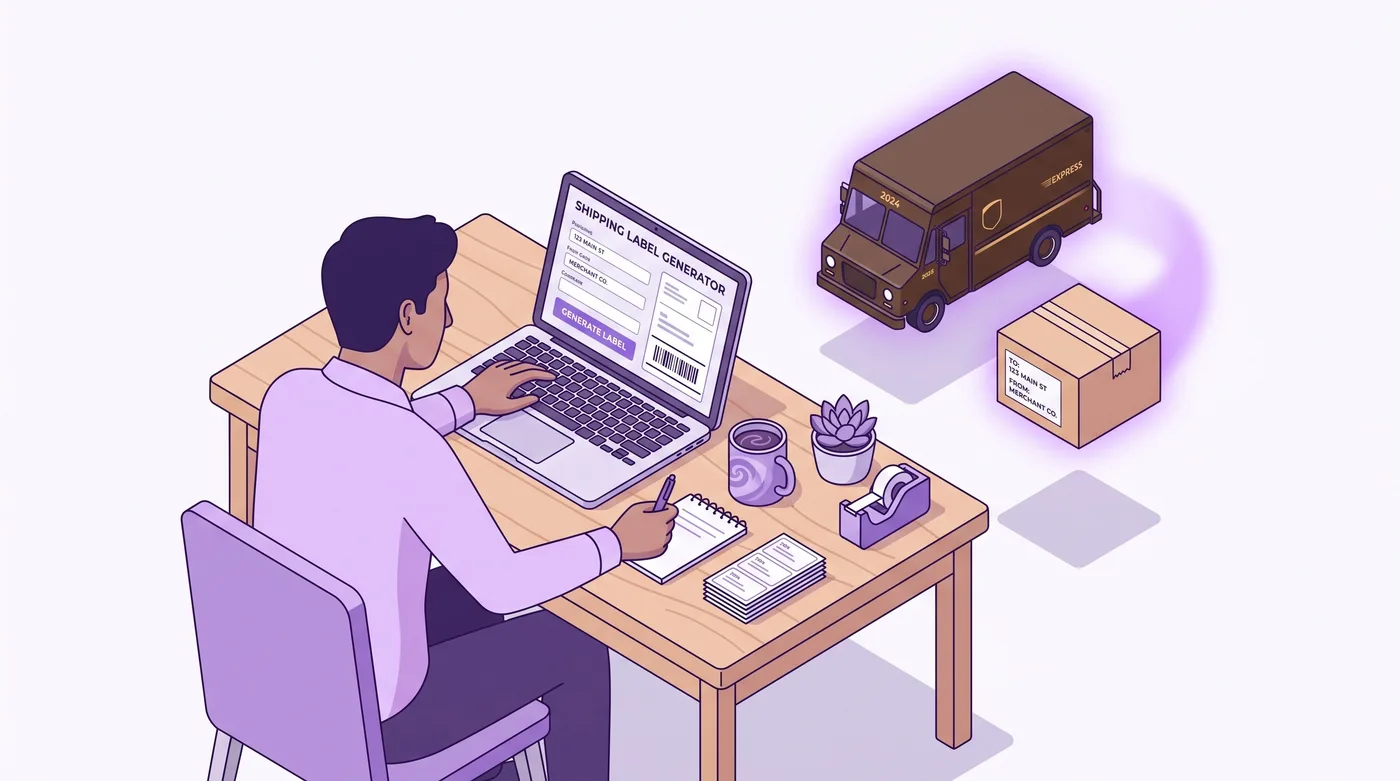

Shopify merchant creating UPS return label from admin order

What Are Shopify's New UPS Return Labels?

A UPS return label generated inside the Shopify admin is a prepaid shipping label your customer uses to send a fulfilled order back to you, created without leaving Shopify or installing a separate returns app. Think of it like the label your local shipping counter would print for you, except your staff prints it from the same screen where they already manage the order.

Before this update, merchants who wanted UPS specifically for returns generally needed a dedicated returns management app, a direct UPS account integration built by a developer, or a manual process of buying labels outside Shopify and emailing them to customers. Each of those adds either a monthly subscription, a developer dependency, or a support agent copying tracking numbers by hand.

The new flow removes the middle step. From a fulfilled order, staff click "Create return," pick UPS as the carrier, and Shopify handles the rest: label generation, delivery to the customer (email or shareable link), and tracking visibility back in the order timeline (Shopify, 2026).

Merchants get two ways to pay for it. You can use Shopify's discounted UPS rates (the same negotiated pricing Shopify already extends for outbound Shopify Shipping labels), or you can connect your own UPS account and bill the return to your existing carrier contract and rates. Either way, you're only charged once UPS actually scans the label, not when it's created. Unused labels simply expire after six months at no cost (Shopify, 2026).
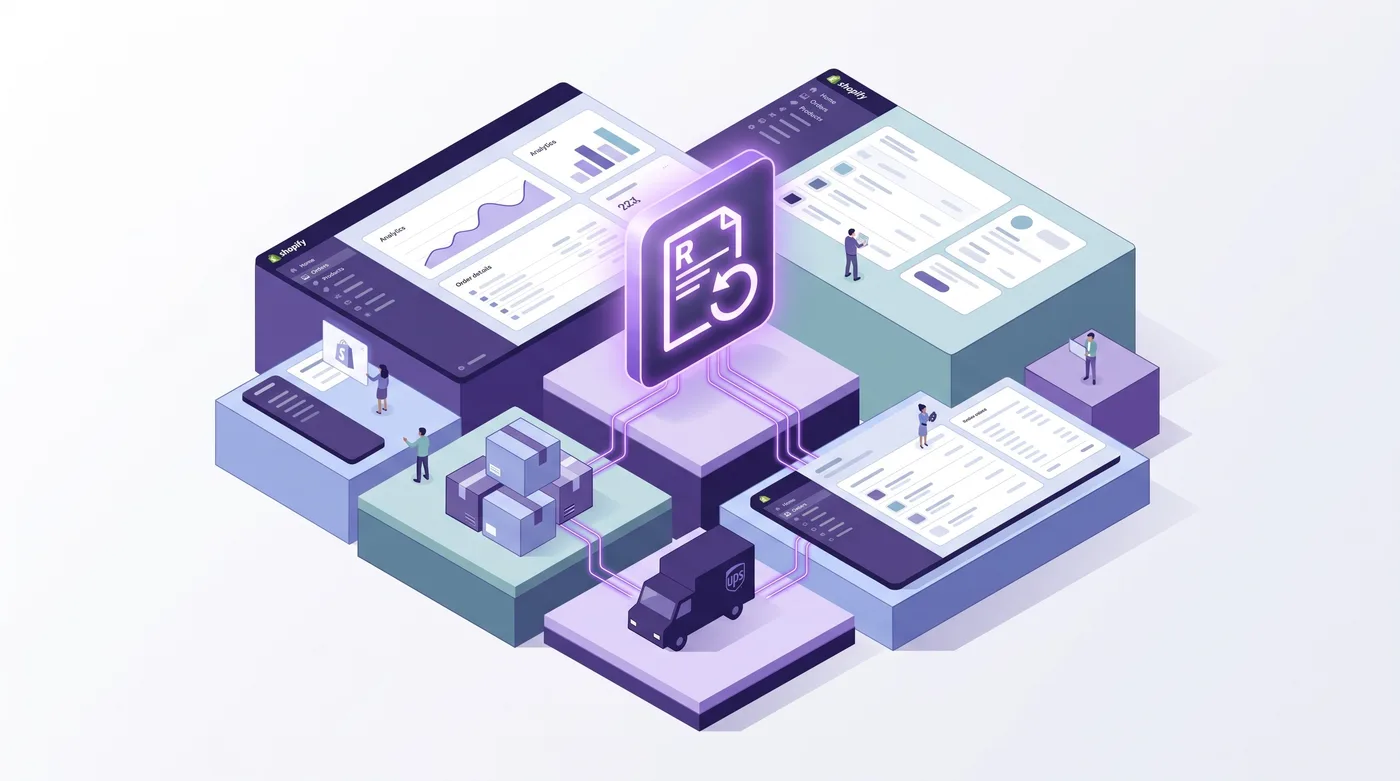

Return label workflow inside Shopify order management screen

How UPS Return Labels Actually Work in the Admin

The flow lives inside the same order detail screen your team already uses, with three real decisions: which carrier, whose rate, and how the label reaches the customer. No new app to install, no separate login.

Creating a Return Label From an Order

The path is short by design:

  1. Open a fulfilled order in the Shopify admin.

  2. Click "Create return" (or the equivalent action in your admin's Orders section).

  3. Choose which line items are being returned.

  4. Select UPS as the return carrier.

  5. Choose whether to bill it to Shopify's discounted UPS rate or your own connected UPS account.

  6. Send the label to the customer by email, or generate a shareable link if you'd rather hand it off through chat, SMS, or a help desk reply.

Once the label is out, the return status updates in the order timeline the same way a fulfillment or refund would, so your support team isn't hunting through a separate returns app to check where things stand.

Discounted Shopify Rates vs. Your Own UPS Account

This is the decision that actually affects your margins, and it's worth understanding before your first return goes out.


Shopify's Discounted UPS Rates

Your Own Connected UPS Account

Setup required

None, works out of the box

Connect your existing UPS account credentials

Who negotiates the rate

Shopify (bulk-negotiated rate)

You (your existing UPS contract)

Billing

Charged to your Shopify account on scan

Charged to your UPS account on scan

Best fit

Smaller stores without an existing UPS deal

High-volume shippers with negotiated UPS rates

Tracking visibility

Shows in Shopify order timeline

Shows in Shopify order timeline

Unused label cost

$0, expires after 6 months

$0, expires after 6 months

Feature data verified August 2026 from Shopify's changelog and admin documentation.

If you're a high-volume Plus or Advanced merchant already running thousands of packages a month through a negotiated UPS rate, connecting your own account almost always wins on cost. If you're a smaller operation without that leverage, Shopify's discounted rate removes the need to negotiate anything at all.

When You're Actually Charged

This is the detail that matters for finance teams: you're billed only when UPS scans the label, not when it's created. A customer who requests a return, gets the label, and never drops off the package costs you nothing beyond six months, at which point the label simply expires (Shopify, 2026). That's a meaningfully different cost model than pre-purchasing labels through a third-party return portal, where unused credits can sit as sunk cost.
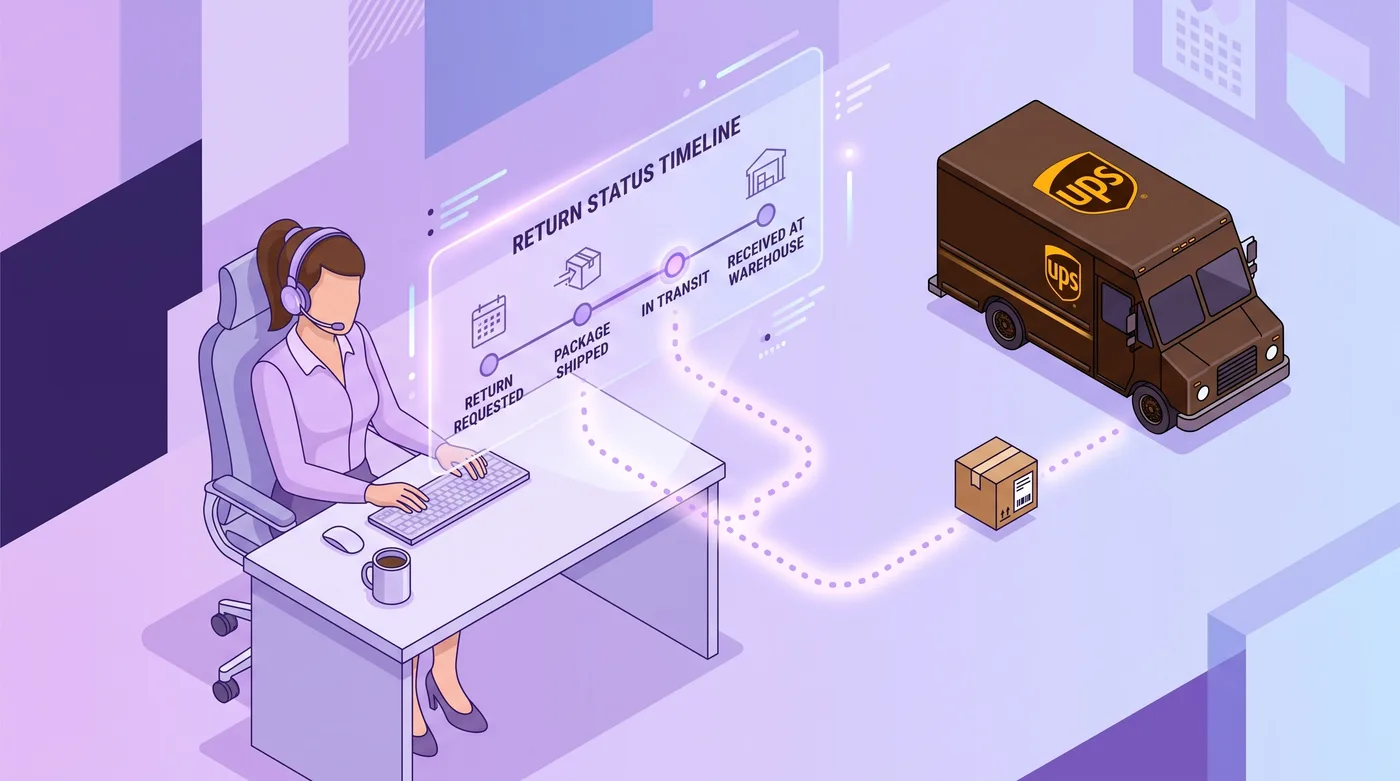

Staff processing customer return request in Shopify order timeline

Where This Fits in the Returns API for Developers

For developers and agencies, this update layers into Shopify's existing Returns object model rather than introducing a brand-new API surface. If your app or custom returns portal already reads and writes against Shopify's Return and ReverseFulfillmentOrder types in the Admin API, this is the same data your integration is already touching.

In plain terms: if you've built a custom returns flow that calls Shopify's return creation endpoints to kick off a return and track it through inspection and restock, UPS label generation now sits in that same pipeline instead of requiring a bolt-on carrier integration. Apps that build customer-facing return portals on top of Shopify's native return objects can expose UPS as a carrier option without maintaining a separate UPS API connection themselves.

That matters for agencies building on Shopify Plus in particular, where custom returns portals are common and where a client's support team is already asking "why do we need two systems to handle one return?" The honest answer, as of this update, is that you increasingly don't, at least for the return-label piece.

Where the API doesn't help you is the part that happens before fulfillment. A UPS return label is inherently a post-shipment action: the order already left the warehouse. If a customer wants to change an address, swap a size, or cancel entirely before that package ships, that's a different problem with a different fix, which is where self-serve pre-fulfillment editing tools come in.

What This Means for Merchants

The direct benefit is fewer manual steps and fewer dollars sunk into labels nobody uses, but it doesn't touch the larger share of post-purchase requests that happen before an order ships. Worth separating those two categories clearly.

Returns are a real cost center, and removing a third-party app or a manual carrier lookup from the return workflow is a genuine win for ops teams. If your support agents were previously toggling between Shopify and a separate returns portal just to generate a label, that context-switch disappears.

But return labels only solve the problem after fulfillment. Across 7.6 million Shopify orders, shipping-address changes are the single most common post-purchase edit, 30.2% of all edited orders (Revize, 2026). A customer who catches a wrong address before the package ships never needs a return label at all, because the order was corrected instead of shipped to the wrong place and mailed back.

This is where the timing matters most. The median post-checkout edit request lands just 4.6 minutes after the order is placed (Revize, 2026), which is almost always well before fulfillment. UPS return labels handle what happens after a mistake ships. Customer self-serve editing handles preventing the mistake from shipping in the first place, whether that's changing a shipping address before checkout completes, swapping a size, or letting the customer cancel their own order instead of waiting on a support reply.

Since this is the Revize blog: this is exactly the gap Revize is built to close. Where UPS return labels still require a staff member to open the order and start the process, Revize lets the customer make pre-fulfillment edits themselves, and 92.2% of those edits are completed with no support agent involved at all (Revize, 2026). The two tools aren't competing for the same job. UPS labels handle the return leg after a package ships; Revize handles preventing the return in the first place by catching the mistake while there's still time to fix it. If you're evaluating both sides of the post-purchase workflow, Revize is available on the Shopify App Store as the self-serve layer that sits upstream of returns.

For merchants who do still need to reduce return volume overall, it's worth reading our breakdown of what returns actually cost a Shopify store beyond the shipping label itself: restocking, inspection, and lost margin on discounted or damaged inventory.

Before and after comparison of manual versus self-serve return process

How to Turn On UPS Return Labels in Your Shopify Admin

Most merchants don't need to "turn on" anything separately; UPS shows up as a carrier option the next time you create a return from a fulfilled order, provided UPS services your shipping region.

  1. Open any fulfilled order in your Shopify admin.

  2. Click Create return (or the return action available for that order).

  3. Select the line items being returned.

  4. Choose UPS from the list of available return carriers.

  5. Decide whether to use Shopify's discounted UPS rate or connect your own UPS account under Settings > Shipping and delivery.

  6. Send the label to the customer by email, or copy the shareable link if you're handling the request through chat or a help desk ticket.

  7. Track the return's status in the order timeline; you're only charged once UPS scans the label.

If UPS doesn't appear as an option, check your store's shipping origin and confirm UPS operates in that market. Availability is tied to where you ship from, not just where the customer is located, so a store shipping exclusively from a region UPS doesn't service won't see it listed.

Agencies managing returns for multiple client stores should confirm this in each store's admin individually. It's a per-store setting tied to shipping origin, not an account-wide toggle, so a rollout across a portfolio of stores needs a quick check store by store rather than a single flip.

Where Shopify's Return Tooling Goes Next

UPS joins the carrier options already available for outbound Shopify Shipping labels, closing a gap between how merchants generate outbound labels and how they generate the return leg. Shopify hasn't published a roadmap beyond this specific update, so anything past what's shipped is speculation, not confirmed fact.

What is reasonable to expect, based on Shopify's general pattern of extending native admin tooling rather than leaving gaps for third-party apps to fill indefinitely, is that more of the returns workflow will keep moving into the core admin over time. That's consistent with the direction Shopify has taken on fulfillment, shipping labels, and now returns: fewer required third-party dependencies for the basics, with apps differentiating on the harder problems (automated restocking rules, fraud detection on serial returners, or customer self-serve initiation of the return itself).

That last piece, customer-initiated self-serve returns rather than staff-initiated ones, is notably still outside the scope of this update. The current flow has staff selecting the order and creating the return, not the customer starting it themselves from an order status page. Whether that changes is Shopify's call to make, not something to promise here.

The Bottom Line

Shopify's UPS return labels are a genuine operational improvement for the post-fulfillment side of returns, cutting out a third-party app or manual carrier lookup for a large share of merchants. No charge until the label is scanned, a six-month no-cost expiry window, and the choice between Shopify's discounted rate or your own UPS account make this a low-risk update worth turning on immediately.

What it doesn't do is touch the larger share of post-purchase requests that happen before a package ships. Address corrections, size swaps, and cancellations are still, per Revize's dataset, the majority of what customers actually ask for after checkout, and 80.6% of those requests happen within the first hour of placing the order (Revize, 2026), long before a UPS label would even be relevant.

Merchant reviewing post-purchase order workflow on laptop

Frequently Asked Questions

Do I need to install an app to create UPS return labels on Shopify?

No, this feature is built into the native Shopify admin and requires no separate app. You create the label from the same order detail screen where you already manage fulfillment, refunds, and other order actions. Merchants who previously used a third-party returns app specifically for UPS label generation can now handle that piece natively, though some returns apps still add value through automated restocking rules or customer-initiated return portals.

How much does a UPS return label cost on Shopify?

You're only charged once UPS actually scans the label, not when it's created. If you use Shopify's discounted UPS rate, the charge appears on your Shopify billing; if you connect your own UPS account, it bills against your existing UPS contract. A label that's generated but never used costs nothing and simply expires after six months (Shopify, 2026).

What happens if a customer never uses the return label?

Nothing gets charged, and the label expires automatically after six months. There's no fee for generating a label that goes unused, which removes the risk of pre-purchasing return credits through a third-party portal that don't get used before they expire.

Can I use my own UPS account instead of Shopify's rates?

Yes, you can connect your existing UPS account and bill returns against your own negotiated rates. This is typically the better option for high-volume Plus and Advanced merchants who already have a UPS contract with better pricing than Shopify's discounted rate. Smaller stores without an existing UPS deal usually come out ahead using Shopify's rate instead.

Does this feature work for every country?

Availability depends on whether UPS services your store's shipping origin, not just the customer's location. Shopify determines carrier availability by where you ship from, so a store shipping exclusively from a region UPS doesn't operate in won't see UPS listed as a return carrier option. Check the return creation screen on a fulfilled order to confirm what's available for your store.

Can the customer request the return themselves, or does staff have to create it?

As shipped, a staff member creates the return and selects UPS as the carrier; the customer receives the finished label, but doesn't initiate the process. This is a meaningful distinction from fully self-serve returns portals, where the customer starts the request without staff involvement. If customer-initiated returns are a priority, that's still a gap this update doesn't close.

How is the label delivered to the customer?

Shopify sends the label by email, or generates a shareable link your team can send through any channel. The shareable link option is useful if you're handling the return request through live chat, SMS, or a help desk reply rather than email.

Does this replace third-party returns apps entirely?

Not entirely; it replaces the specific need for a separate app just to generate a UPS label. Returns apps that add automated restocking logic, fraud detection for repeat returners, or a fully self-serve customer-initiated portal still offer functionality this update doesn't include. For straightforward label generation, though, the native flow now covers it.

Can developers automate this through the Shopify API?

Yes, this update layers into Shopify's existing Returns object model in the Admin API, including the Return and ReverseFulfillmentOrder types most custom returns integrations already use. If your app or agency-built returns portal already reads and writes against those objects, UPS label generation is available in that same pipeline rather than requiring a separate carrier integration to be built and maintained.

Why doesn't this help with order cancellations or address changes?

Because a UPS return label is inherently a post-shipment tool; the order has already been fulfilled by the time a return exists. Cancellations and address changes are pre-fulfillment problems, and per Revize's dataset, cancellations alone make up 24.3% of all post-purchase order edits (Revize, 2026). Fixing those before a package ships requires a different tool than a return label, since there's nothing to return if the order is corrected in time.

Is this feature available on all Shopify plans?

Shopify's changelog doesn't restrict this to specific plans, so it appears to be broadly available across the admin. As with most shipping and fulfillment features, actual carrier availability still depends on your shipping origin and whether UPS operates in that market, which is a logistics constraint rather than a plan-tier restriction.

Does using Shopify's discounted UPS rate affect my regular Shopify Shipping discounts?

No, return label rates and outbound Shopify Shipping label rates are billed and tracked separately. Using the discounted return rate doesn't change the rates you get on outbound shipping labels, and vice versa; they're two separate line items in how Shopify bills your shipping activity.

What's the difference between a return label and a return authorization?

A return label is the prepaid shipping document the customer uses to send the item back; a return authorization is the underlying record in Shopify tracking that a return was approved and is in progress. The label generation update covers the shipping-document piece specifically. The authorization and tracking workflow (approving the return, marking it received, processing a refund) was already part of Shopify's Returns feature before this update.

How does this compare to handling returns manually outside Shopify?

Manually, someone on your team would buy a label through UPS directly and email it to the customer, with no automatic tracking tie-back to the order. The native Shopify flow keeps everything in the order timeline, so support agents checking on a return's status don't need to cross-reference a separate UPS account or spreadsheet to see where things stand.

Related Articles

Quick answer: Shopify merchants can now generate UPS return labels for any fulfilled order straight from the admin, using discounted Shopify rates or their own UPS account, with no charge until the carrier scans the label. It's a real fix for post-fulfillment returns, but the 24.3% of edited orders that are cancellations (Revize, 2026) still need a pre-fulfillment self-serve fix.

It's 4 p.m. on a Tuesday and a customer emails your support inbox: the hoodie arrived in the wrong size, and they want to send it back. Your CX agent opens the order, clicks over to a third-party returns app (or worse, a spreadsheet), manually keys in the address, picks a carrier, and generates a label. Multiply that by every return your store processes in a week, and it's an hour of manual work that never shows up in any dashboard.

Shopify just closed part of that gap. As of its August 2026 changelog update, merchants can create UPS return labels directly from any fulfilled order in the Shopify admin, no separate returns app, no manual carrier lookup. Select the order, start a return, choose UPS, and the label goes straight to the customer by email or a shareable link (Shopify, 2026).

Here's what this actually changes, what it doesn't, and where it fits next to the other 75.7% of post-purchase actions Revize sees across 7.6 million Shopify orders that aren't returns at all: cancellations, address changes, and product swaps that happen before a package ever ships.


Shopify merchant creating UPS return label from admin order

What Are Shopify's New UPS Return Labels?

A UPS return label generated inside the Shopify admin is a prepaid shipping label your customer uses to send a fulfilled order back to you, created without leaving Shopify or installing a separate returns app. Think of it like the label your local shipping counter would print for you, except your staff prints it from the same screen where they already manage the order.

Before this update, merchants who wanted UPS specifically for returns generally needed a dedicated returns management app, a direct UPS account integration built by a developer, or a manual process of buying labels outside Shopify and emailing them to customers. Each of those adds either a monthly subscription, a developer dependency, or a support agent copying tracking numbers by hand.

The new flow removes the middle step. From a fulfilled order, staff click "Create return," pick UPS as the carrier, and Shopify handles the rest: label generation, delivery to the customer (email or shareable link), and tracking visibility back in the order timeline (Shopify, 2026).

Merchants get two ways to pay for it. You can use Shopify's discounted UPS rates (the same negotiated pricing Shopify already extends for outbound Shopify Shipping labels), or you can connect your own UPS account and bill the return to your existing carrier contract and rates. Either way, you're only charged once UPS actually scans the label, not when it's created. Unused labels simply expire after six months at no cost (Shopify, 2026).


Return label workflow inside Shopify order management screen

How UPS Return Labels Actually Work in the Admin

The flow lives inside the same order detail screen your team already uses, with three real decisions: which carrier, whose rate, and how the label reaches the customer. No new app to install, no separate login.

Creating a Return Label From an Order

The path is short by design:

  1. Open a fulfilled order in the Shopify admin.

  2. Click "Create return" (or the equivalent action in your admin's Orders section).

  3. Choose which line items are being returned.

  4. Select UPS as the return carrier.

  5. Choose whether to bill it to Shopify's discounted UPS rate or your own connected UPS account.

  6. Send the label to the customer by email, or generate a shareable link if you'd rather hand it off through chat, SMS, or a help desk reply.

Once the label is out, the return status updates in the order timeline the same way a fulfillment or refund would, so your support team isn't hunting through a separate returns app to check where things stand.

Discounted Shopify Rates vs. Your Own UPS Account

This is the decision that actually affects your margins, and it's worth understanding before your first return goes out.


Shopify's Discounted UPS Rates

Your Own Connected UPS Account

Setup required

None, works out of the box

Connect your existing UPS account credentials

Who negotiates the rate

Shopify (bulk-negotiated rate)

You (your existing UPS contract)

Billing

Charged to your Shopify account on scan

Charged to your UPS account on scan

Best fit

Smaller stores without an existing UPS deal

High-volume shippers with negotiated UPS rates

Tracking visibility

Shows in Shopify order timeline

Shows in Shopify order timeline

Unused label cost

$0, expires after 6 months

$0, expires after 6 months

Feature data verified August 2026 from Shopify's changelog and admin documentation.

If you're a high-volume Plus or Advanced merchant already running thousands of packages a month through a negotiated UPS rate, connecting your own account almost always wins on cost. If you're a smaller operation without that leverage, Shopify's discounted rate removes the need to negotiate anything at all.

When You're Actually Charged

This is the detail that matters for finance teams: you're billed only when UPS scans the label, not when it's created. A customer who requests a return, gets the label, and never drops off the package costs you nothing beyond six months, at which point the label simply expires (Shopify, 2026). That's a meaningfully different cost model than pre-purchasing labels through a third-party return portal, where unused credits can sit as sunk cost.


Staff processing customer return request in Shopify order timeline

Where This Fits in the Returns API for Developers

For developers and agencies, this update layers into Shopify's existing Returns object model rather than introducing a brand-new API surface. If your app or custom returns portal already reads and writes against Shopify's Return and ReverseFulfillmentOrder types in the Admin API, this is the same data your integration is already touching.

In plain terms: if you've built a custom returns flow that calls Shopify's return creation endpoints to kick off a return and track it through inspection and restock, UPS label generation now sits in that same pipeline instead of requiring a bolt-on carrier integration. Apps that build customer-facing return portals on top of Shopify's native return objects can expose UPS as a carrier option without maintaining a separate UPS API connection themselves.

That matters for agencies building on Shopify Plus in particular, where custom returns portals are common and where a client's support team is already asking "why do we need two systems to handle one return?" The honest answer, as of this update, is that you increasingly don't, at least for the return-label piece.

Where the API doesn't help you is the part that happens before fulfillment. A UPS return label is inherently a post-shipment action: the order already left the warehouse. If a customer wants to change an address, swap a size, or cancel entirely before that package ships, that's a different problem with a different fix, which is where self-serve pre-fulfillment editing tools come in.

What This Means for Merchants

The direct benefit is fewer manual steps and fewer dollars sunk into labels nobody uses, but it doesn't touch the larger share of post-purchase requests that happen before an order ships. Worth separating those two categories clearly.

Returns are a real cost center, and removing a third-party app or a manual carrier lookup from the return workflow is a genuine win for ops teams. If your support agents were previously toggling between Shopify and a separate returns portal just to generate a label, that context-switch disappears.

But return labels only solve the problem after fulfillment. Across 7.6 million Shopify orders, shipping-address changes are the single most common post-purchase edit, 30.2% of all edited orders (Revize, 2026). A customer who catches a wrong address before the package ships never needs a return label at all, because the order was corrected instead of shipped to the wrong place and mailed back.

This is where the timing matters most. The median post-checkout edit request lands just 4.6 minutes after the order is placed (Revize, 2026), which is almost always well before fulfillment. UPS return labels handle what happens after a mistake ships. Customer self-serve editing handles preventing the mistake from shipping in the first place, whether that's changing a shipping address before checkout completes, swapping a size, or letting the customer cancel their own order instead of waiting on a support reply.

Since this is the Revize blog: this is exactly the gap Revize is built to close. Where UPS return labels still require a staff member to open the order and start the process, Revize lets the customer make pre-fulfillment edits themselves, and 92.2% of those edits are completed with no support agent involved at all (Revize, 2026). The two tools aren't competing for the same job. UPS labels handle the return leg after a package ships; Revize handles preventing the return in the first place by catching the mistake while there's still time to fix it. If you're evaluating both sides of the post-purchase workflow, Revize is available on the Shopify App Store as the self-serve layer that sits upstream of returns.

For merchants who do still need to reduce return volume overall, it's worth reading our breakdown of what returns actually cost a Shopify store beyond the shipping label itself: restocking, inspection, and lost margin on discounted or damaged inventory.


Before and after comparison of manual versus self-serve return process

How to Turn On UPS Return Labels in Your Shopify Admin

Most merchants don't need to "turn on" anything separately; UPS shows up as a carrier option the next time you create a return from a fulfilled order, provided UPS services your shipping region.

  1. Open any fulfilled order in your Shopify admin.

  2. Click Create return (or the return action available for that order).

  3. Select the line items being returned.

  4. Choose UPS from the list of available return carriers.

  5. Decide whether to use Shopify's discounted UPS rate or connect your own UPS account under Settings > Shipping and delivery.

  6. Send the label to the customer by email, or copy the shareable link if you're handling the request through chat or a help desk ticket.

  7. Track the return's status in the order timeline; you're only charged once UPS scans the label.

If UPS doesn't appear as an option, check your store's shipping origin and confirm UPS operates in that market. Availability is tied to where you ship from, not just where the customer is located, so a store shipping exclusively from a region UPS doesn't service won't see it listed.

Agencies managing returns for multiple client stores should confirm this in each store's admin individually. It's a per-store setting tied to shipping origin, not an account-wide toggle, so a rollout across a portfolio of stores needs a quick check store by store rather than a single flip.

Where Shopify's Return Tooling Goes Next

UPS joins the carrier options already available for outbound Shopify Shipping labels, closing a gap between how merchants generate outbound labels and how they generate the return leg. Shopify hasn't published a roadmap beyond this specific update, so anything past what's shipped is speculation, not confirmed fact.

What is reasonable to expect, based on Shopify's general pattern of extending native admin tooling rather than leaving gaps for third-party apps to fill indefinitely, is that more of the returns workflow will keep moving into the core admin over time. That's consistent with the direction Shopify has taken on fulfillment, shipping labels, and now returns: fewer required third-party dependencies for the basics, with apps differentiating on the harder problems (automated restocking rules, fraud detection on serial returners, or customer self-serve initiation of the return itself).

That last piece, customer-initiated self-serve returns rather than staff-initiated ones, is notably still outside the scope of this update. The current flow has staff selecting the order and creating the return, not the customer starting it themselves from an order status page. Whether that changes is Shopify's call to make, not something to promise here.

The Bottom Line

Shopify's UPS return labels are a genuine operational improvement for the post-fulfillment side of returns, cutting out a third-party app or manual carrier lookup for a large share of merchants. No charge until the label is scanned, a six-month no-cost expiry window, and the choice between Shopify's discounted rate or your own UPS account make this a low-risk update worth turning on immediately.

What it doesn't do is touch the larger share of post-purchase requests that happen before a package ships. Address corrections, size swaps, and cancellations are still, per Revize's dataset, the majority of what customers actually ask for after checkout, and 80.6% of those requests happen within the first hour of placing the order (Revize, 2026), long before a UPS label would even be relevant.


Merchant reviewing post-purchase order workflow on laptop

Frequently Asked Questions

Do I need to install an app to create UPS return labels on Shopify?

No, this feature is built into the native Shopify admin and requires no separate app. You create the label from the same order detail screen where you already manage fulfillment, refunds, and other order actions. Merchants who previously used a third-party returns app specifically for UPS label generation can now handle that piece natively, though some returns apps still add value through automated restocking rules or customer-initiated return portals.

How much does a UPS return label cost on Shopify?

You're only charged once UPS actually scans the label, not when it's created. If you use Shopify's discounted UPS rate, the charge appears on your Shopify billing; if you connect your own UPS account, it bills against your existing UPS contract. A label that's generated but never used costs nothing and simply expires after six months (Shopify, 2026).

What happens if a customer never uses the return label?

Nothing gets charged, and the label expires automatically after six months. There's no fee for generating a label that goes unused, which removes the risk of pre-purchasing return credits through a third-party portal that don't get used before they expire.

Can I use my own UPS account instead of Shopify's rates?

Yes, you can connect your existing UPS account and bill returns against your own negotiated rates. This is typically the better option for high-volume Plus and Advanced merchants who already have a UPS contract with better pricing than Shopify's discounted rate. Smaller stores without an existing UPS deal usually come out ahead using Shopify's rate instead.

Does this feature work for every country?

Availability depends on whether UPS services your store's shipping origin, not just the customer's location. Shopify determines carrier availability by where you ship from, so a store shipping exclusively from a region UPS doesn't operate in won't see UPS listed as a return carrier option. Check the return creation screen on a fulfilled order to confirm what's available for your store.

Can the customer request the return themselves, or does staff have to create it?

As shipped, a staff member creates the return and selects UPS as the carrier; the customer receives the finished label, but doesn't initiate the process. This is a meaningful distinction from fully self-serve returns portals, where the customer starts the request without staff involvement. If customer-initiated returns are a priority, that's still a gap this update doesn't close.

How is the label delivered to the customer?

Shopify sends the label by email, or generates a shareable link your team can send through any channel. The shareable link option is useful if you're handling the return request through live chat, SMS, or a help desk reply rather than email.

Does this replace third-party returns apps entirely?

Not entirely; it replaces the specific need for a separate app just to generate a UPS label. Returns apps that add automated restocking logic, fraud detection for repeat returners, or a fully self-serve customer-initiated portal still offer functionality this update doesn't include. For straightforward label generation, though, the native flow now covers it.

Can developers automate this through the Shopify API?

Yes, this update layers into Shopify's existing Returns object model in the Admin API, including the Return and ReverseFulfillmentOrder types most custom returns integrations already use. If your app or agency-built returns portal already reads and writes against those objects, UPS label generation is available in that same pipeline rather than requiring a separate carrier integration to be built and maintained.

Why doesn't this help with order cancellations or address changes?

Because a UPS return label is inherently a post-shipment tool; the order has already been fulfilled by the time a return exists. Cancellations and address changes are pre-fulfillment problems, and per Revize's dataset, cancellations alone make up 24.3% of all post-purchase order edits (Revize, 2026). Fixing those before a package ships requires a different tool than a return label, since there's nothing to return if the order is corrected in time.

Is this feature available on all Shopify plans?

Shopify's changelog doesn't restrict this to specific plans, so it appears to be broadly available across the admin. As with most shipping and fulfillment features, actual carrier availability still depends on your shipping origin and whether UPS operates in that market, which is a logistics constraint rather than a plan-tier restriction.

Does using Shopify's discounted UPS rate affect my regular Shopify Shipping discounts?

No, return label rates and outbound Shopify Shipping label rates are billed and tracked separately. Using the discounted return rate doesn't change the rates you get on outbound shipping labels, and vice versa; they're two separate line items in how Shopify bills your shipping activity.

What's the difference between a return label and a return authorization?

A return label is the prepaid shipping document the customer uses to send the item back; a return authorization is the underlying record in Shopify tracking that a return was approved and is in progress. The label generation update covers the shipping-document piece specifically. The authorization and tracking workflow (approving the return, marking it received, processing a refund) was already part of Shopify's Returns feature before this update.

How does this compare to handling returns manually outside Shopify?

Manually, someone on your team would buy a label through UPS directly and email it to the customer, with no automatic tracking tie-back to the order. The native Shopify flow keeps everything in the order timeline, so support agents checking on a return's status don't need to cross-reference a separate UPS account or spreadsheet to see where things stand.

Related Articles

Revize your Shopify store. Lead with customer experience.

© Copyright 2026, All Rights Reserved

Revize your Shopify store. Lead with customer experience.

© Copyright 2026, All Rights Reserved

Revize your Shopify store. Lead with customer experience.

© Copyright 2026, All Rights Reserved

Revize your Shopify store. Lead with customer experience.

© Copyright 2026, All Rights Reserved